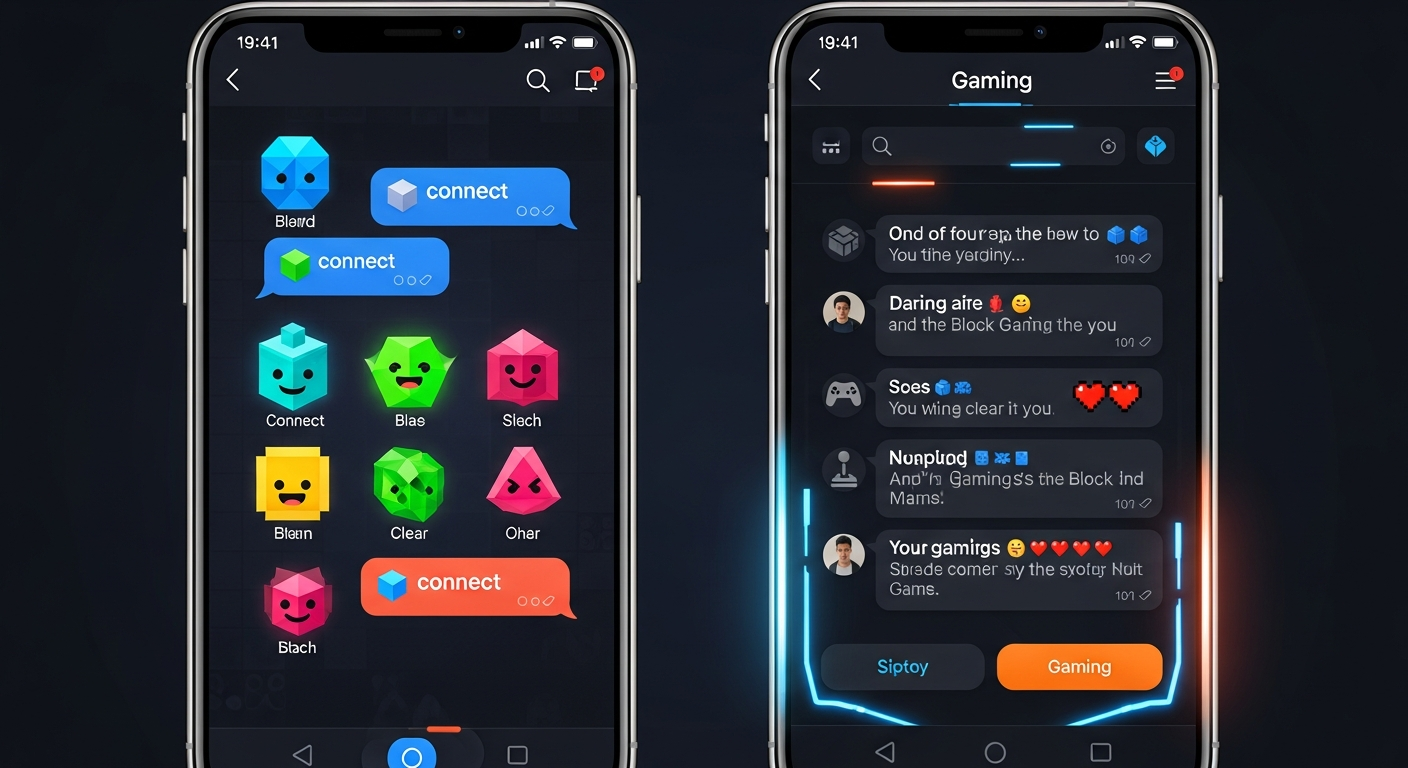
Starting today you can send direct messages to any Block Man player. Whether you want to congratulate someone on a top score, arrange a challenge, or just say hello — it is all there in the new inbox.
How It Works
Open the Profile tab and tap the chat icon in the top-right corner. Your inbox lists every conversation sorted by the most recent message. Unread messages show a blue badge so you always know when someone has reached out.
To start a new conversation, open any player's profile card from the Leaderboard tab and tap Message. It is that simple.
Privacy Controls
You are always in control of who can contact you. From any conversation — or directly from a player's profile — you can block a user with a single tap. Blocked users cannot send you messages and you will not appear in their search results.
— The Revion Games Team